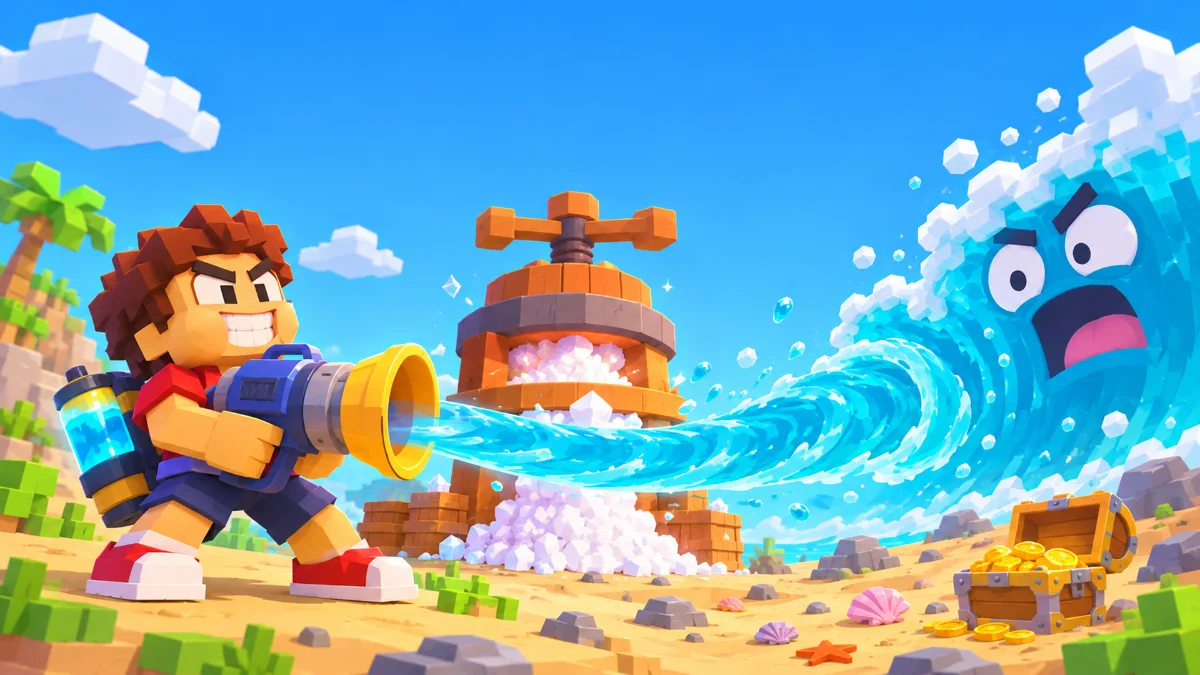
A whole ocean, one small straw
Drink the Ocean is a first-person incremental game with a very simple starting point: take a sip. You begin next to a blocky sea with a small straw and a belly that fills quickly. Turn the water you drink into salt, spend that salt on upgrades, and return to the shore with more capacity. As the sea level falls, more of the world becomes visible.
This page plays the Pinidi Studio salt-and-upgrades version through Playgama. If you came from a video with friends, a merchant and a different-looking world, check the version explanation below. Several games share the same name, and their controls and progression are different.
How to play Drink the Ocean
Take your first sips
Press Play above, let the provider finish loading, and click inside the game. Move to the water and aim your straw at it. Use the left mouse button to drink. Watch the belly meter at the top left. The early tutorial asks you to keep clicking until this meter is full, so start with individual clicks rather than assuming continuous drinking is unlocked.
Turn a full belly into salt
Your first belly holds 10L. Once it is full, the tutorial points you to PRESS to squeeze the water into salt. When it shows “TO THE PRESS! [T]”, press T to follow that prompt. Salt is your upgrade currency. Later, the Body shop offers a Recall Ring for returning to the press and shop; follow the tutorial rather than assuming the shortcut is always unlocked.
Visit the shop, then repeat
In SHOP, open the Body tab. The first Bigger Belly upgrade costs 10 salt and increases capacity from 10L to 13L. Buy it, close the shop, and check that the belly meter now ends at 13L. The next tutorial task asks for the Recall Ring in the same tab. Return to the shore when you are ready for another run.
The ocean meter tracks the amount of water removed. It is separate from the belly meter, which only shows what you can carry right now. Filling your belly does not mean you have finished the ocean. The tutorial, salt balance and ocean progress each describe a different part of your run.
Controls
| Action | Control |
|---|---|
| Walk | W A S D |
| Look around | Move the mouse |
| Drink | Left mouse button |
| Select a tool | 1 2 3, once unlocked |
| Return to PRESS | T when offered by the tutorial or unlocked with Recall Ring |
| Release or return the cursor | Tab |
Click inside the game before using the keyboard. Press Tab to reach menus or the surrounding page when the cursor is captured. Playgama also lists touch controls for this game; the keyboard instructions above apply to desktop play. On a small screen, landscape orientation gives the game menus more room.
What to upgrade first
Follow the early tasks before saving for an expensive tool. Bigger Belly in the Body tab is an inexpensive first capacity upgrade: 10 salt takes you from 10L to 13L. The Recall Ring is also in Body; its description links T to the press and shop with a 10-second cooldown.
If repeated clicking is tiring, open Straw and look for Hold to Drink. The shop lists it at 25 salt and describes holding the button instead of clicking. Bigger Sip starts at 8 salt for 2L to 2.5L per sip, while Faster Sips starts at 10 salt for 0.60s to 0.56s. Capacity helps when trips interrupt your run; drinking upgrades help when filling up takes longer.
These starting values were checked in the Pinidi version on November 19, 2026. Read the live shop before spending: prices increase with upgrades, and another game with the same name may use a different system.
Is this the game from the co-op videos?
This is the Pinidi Studio browser game, with salt, PRESS and SHOP. The Drink the Ocean on Mana is a separate game with its own page and co-op play. Progress, prices and multiplayer instructions from that game do not transfer to this one.
We keep the developer visible so you can choose the game you meant to find. This site is independently operated. Pinidi Studio made the embedded game, and Playgama provides its player. We do not present this page as the developer's official website.
Game not working? Start here
I clicked Play but still see a cover or an ad
The first button opens the Playgama player. The provider may have its own start screen or a pre-game ad. Finish that screen using the controls it shows, then click inside the game. If the player stays blank, try reloading once or open the game on Playgama.
Why can I no longer drink?
Check whether the belly meter is full. Process the water at PRESS before trying again. If it is not full, move closer to the water, aim at the surface and check that your straw is selected. Early play uses individual clicks. Hold to Drink is a separate upgrade in the Straw tab, listed at 25 salt.
My mouse or keyboard does nothing
Click inside the game to give it focus. Close any open game menu. Use Tab to switch between controlling the view and using the cursor. If your keys are scrolling the page, the game has not captured keyboard focus yet.
Can I play without installing anything?
Yes. The player runs in your browser. It needs JavaScript, graphics support and a network connection to load the game. The game provider may show advertising and offer optional rewarded ads. You do not need to download a separate game installer to start here.
Will my progress follow me to another device?
Do not assume it will. Browser storage, private browsing and provider settings can affect saved progress. Keep the same browser if you want to continue a run, and avoid clearing site data until you have checked the game's own save options.
How far did you get?
Share a useful tip or tell us where you got stuck. Keep personal details out of public comments.